Tutorial
Guide · Client
Find people and start a project
On kreyativox.com, everyone who signs in has a client space: My Space. Find a verified talent, send your price and clauses, and follow the answer.
- 1
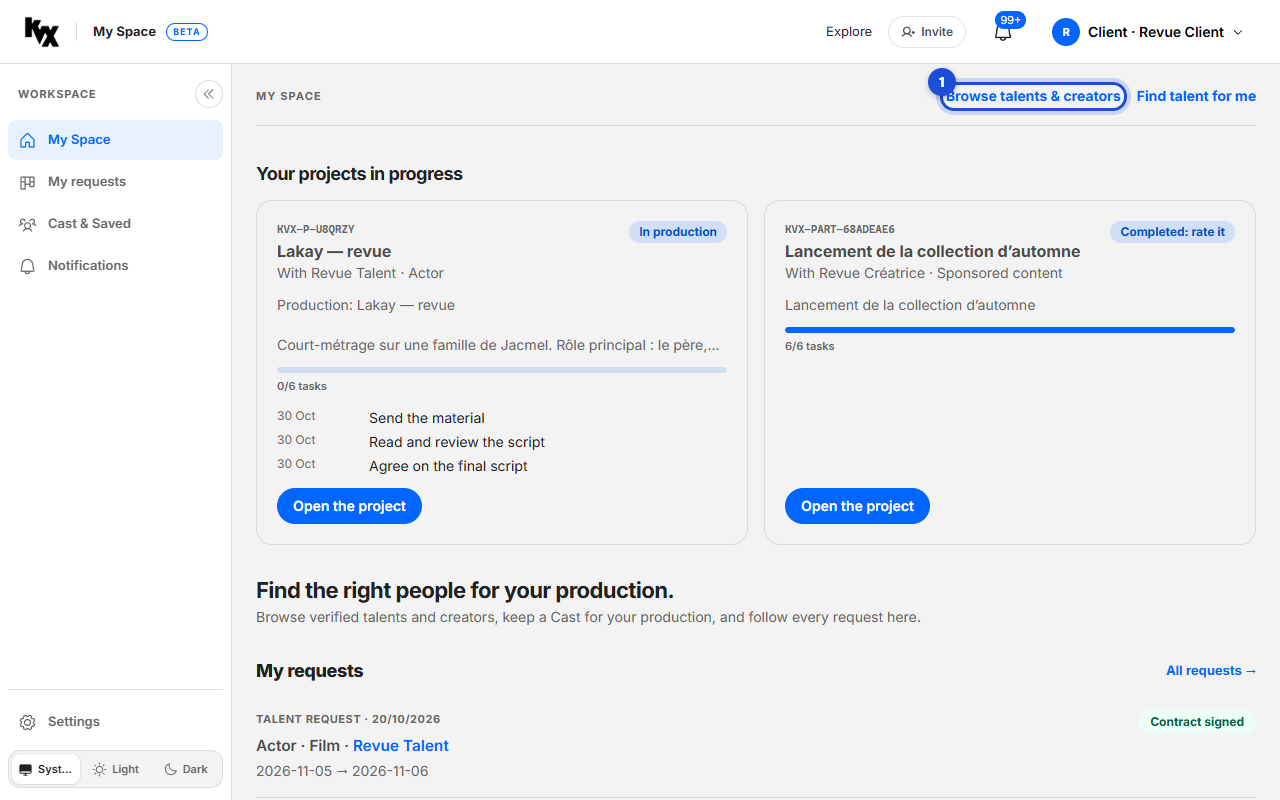
Open My Space
Sign in on kreyativox.com: you are a client by default. On Home, click “Browse talents & creators”.
- 2
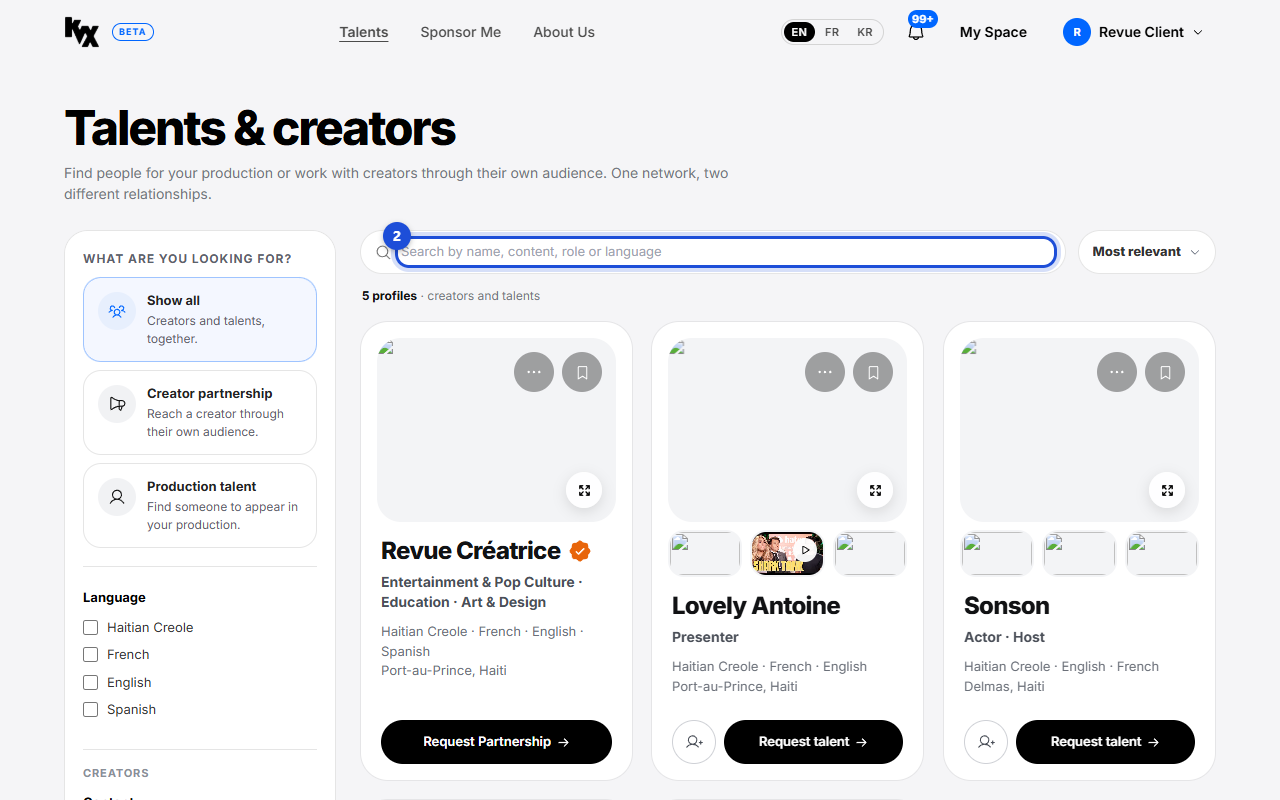
Find a talent
On Talents, use the search and the filters on the left to narrow the list. Each card shows the person and two actions.
- 3
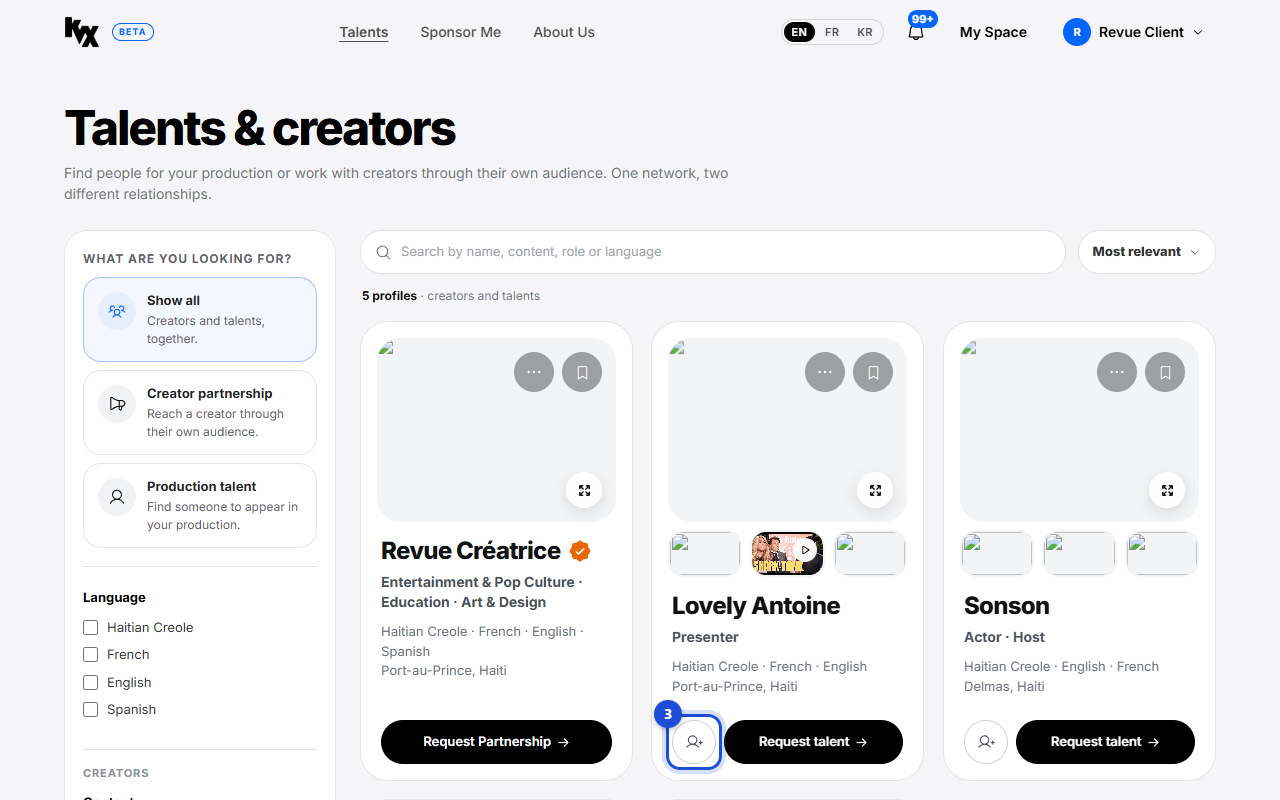
Add to Cast
Click the round “Add to Cast” button on a card. Your Cast is your shortlist: compare, then send one request to several people.
- 4
Review your Cast
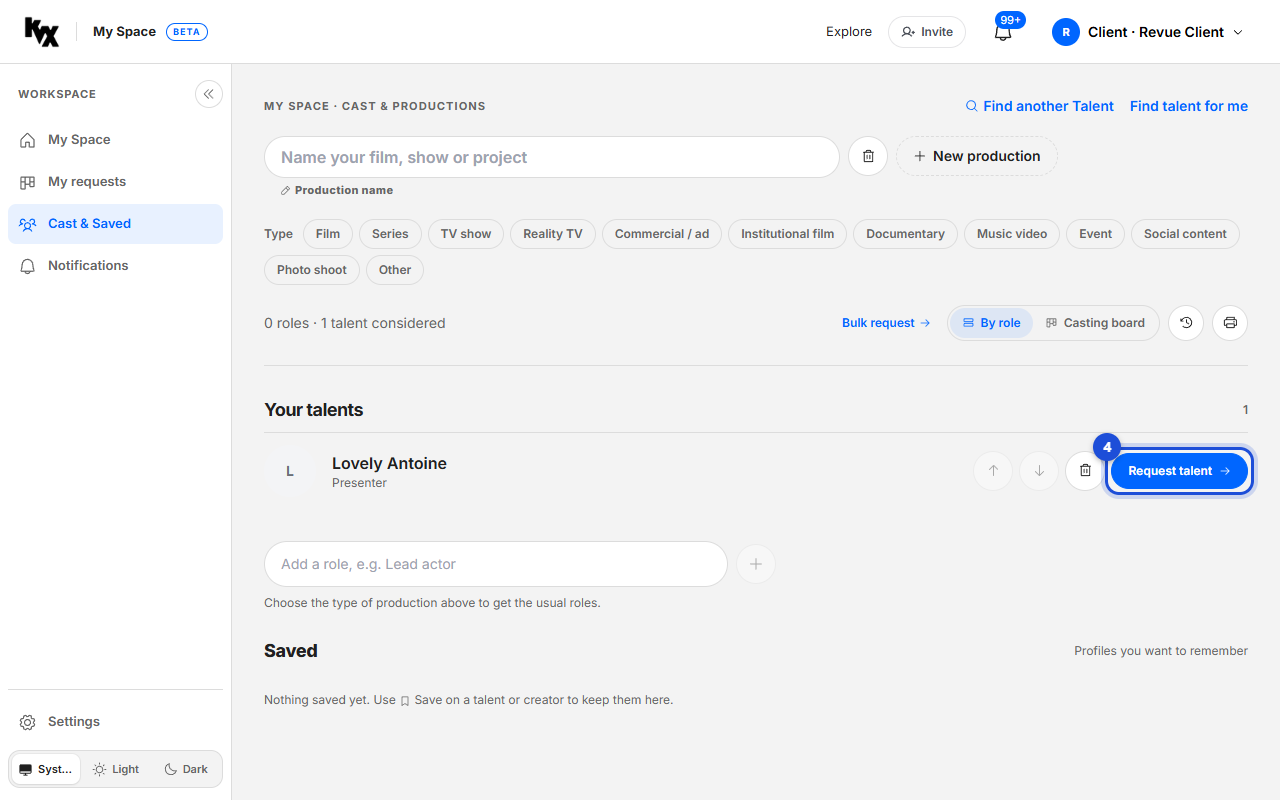
Open “Cast & Saved” in My Space. Place each talent in a role, then click “Request talent” on one, or “Bulk request” for several.
- 5
Set your price
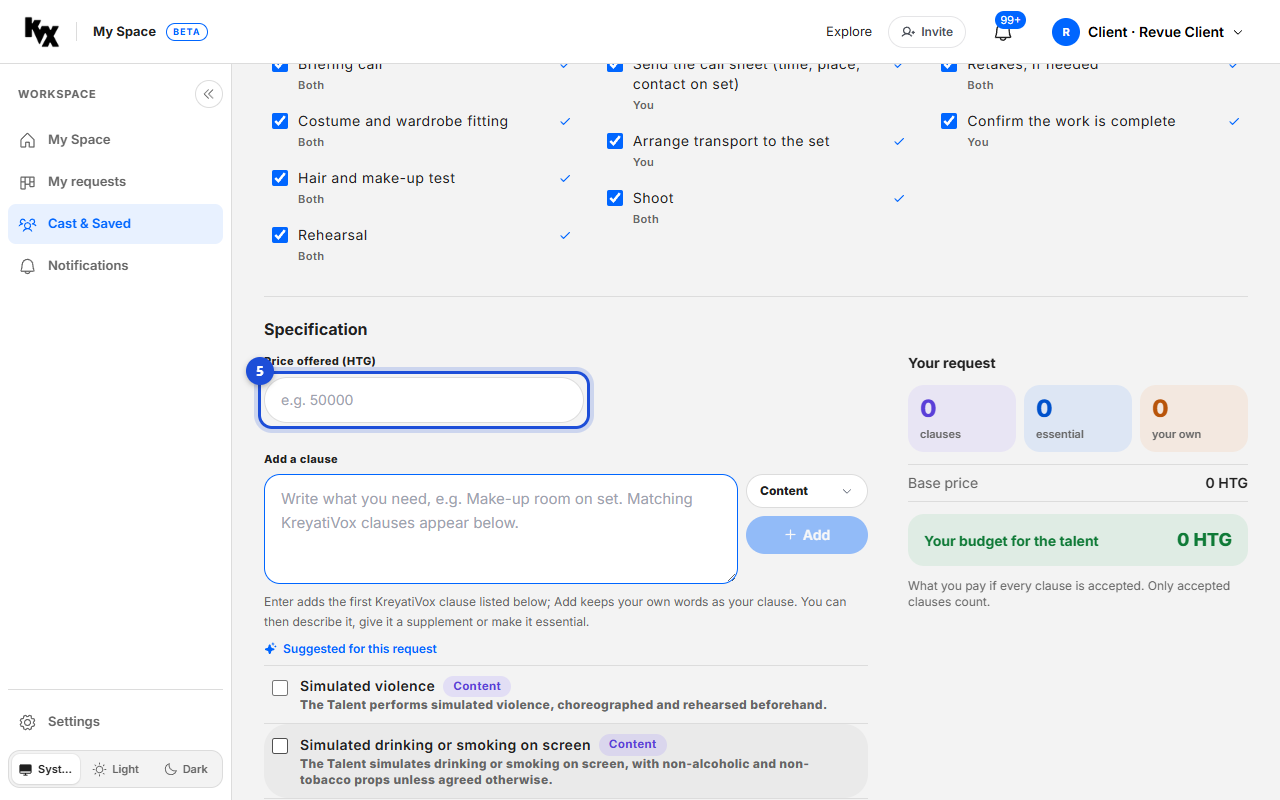
In the casting request, write the project and enter the “Price offered (HTG)”.
- 6
Add your clauses
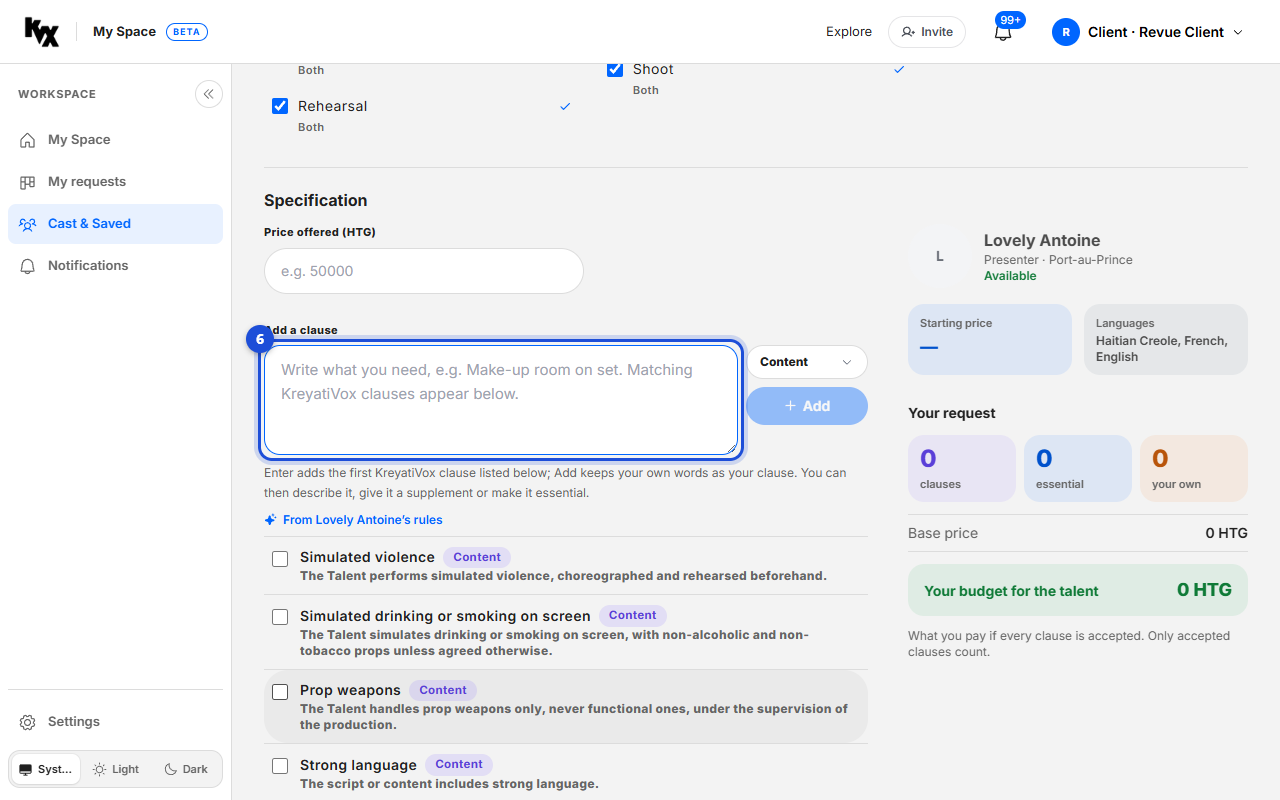
Under “Your clauses”, type what you need and pick the matching clause. Only the clauses the talent accepts enter the agreement.
- 7
Send the request
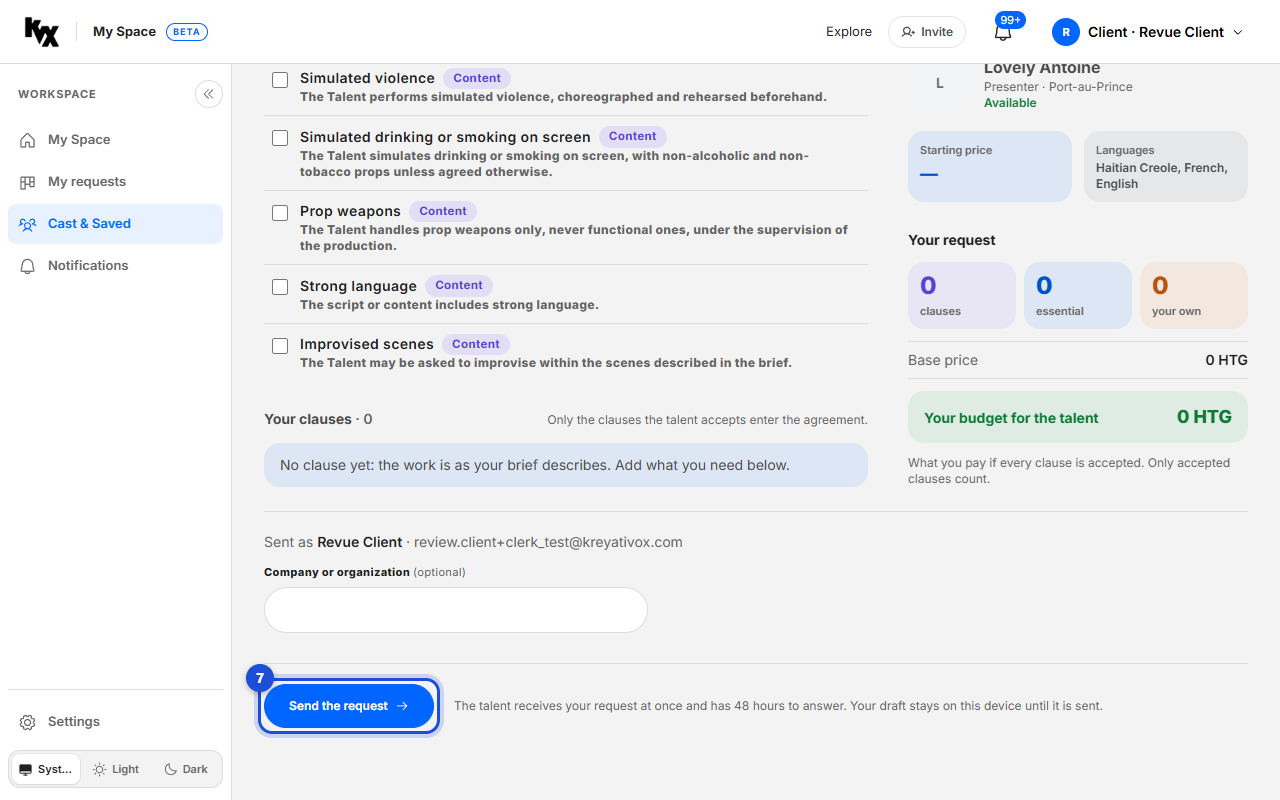
Click “Send the request”. The talent receives it at once and has 48 hours to answer.
- 8
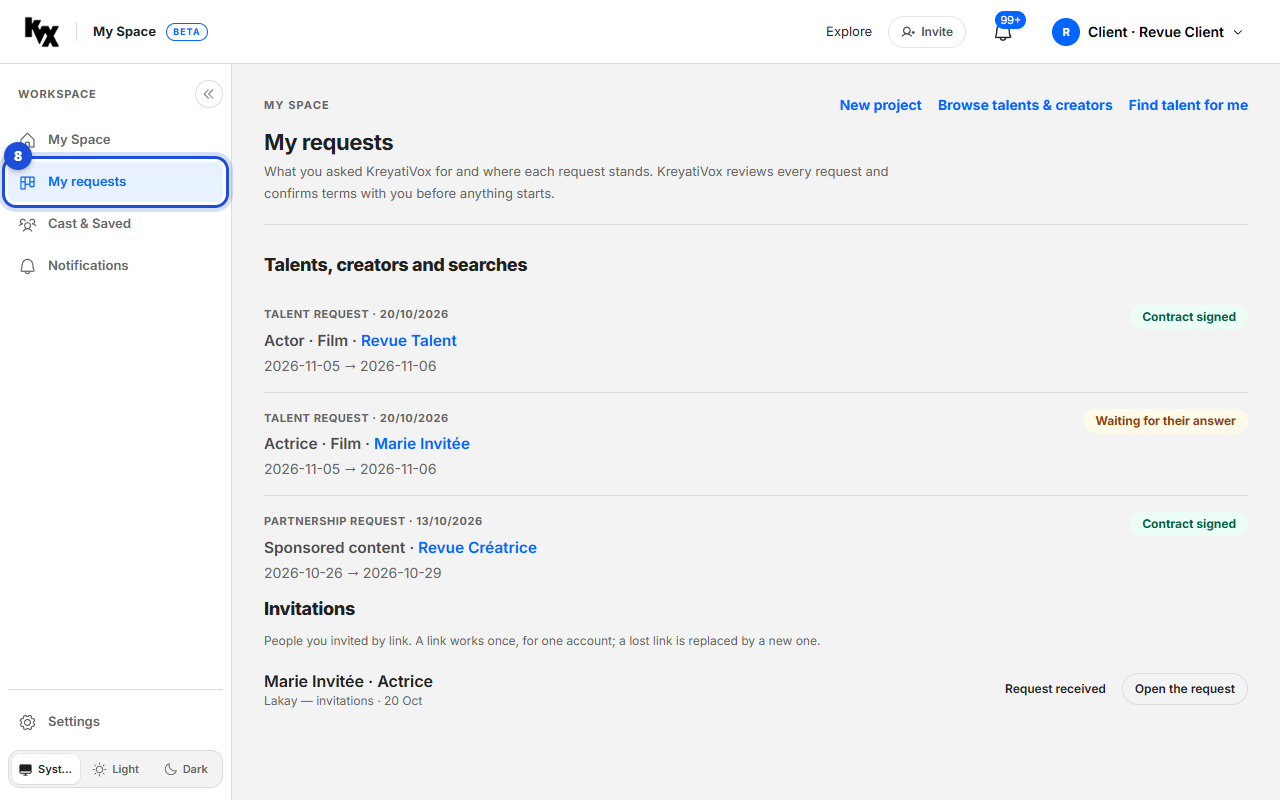
Follow the answers
Open “My requests”. The talent answers each clause with Yes, No or Not at this price. Once you confirm, KreyatiVox issues the agreement.
- 9
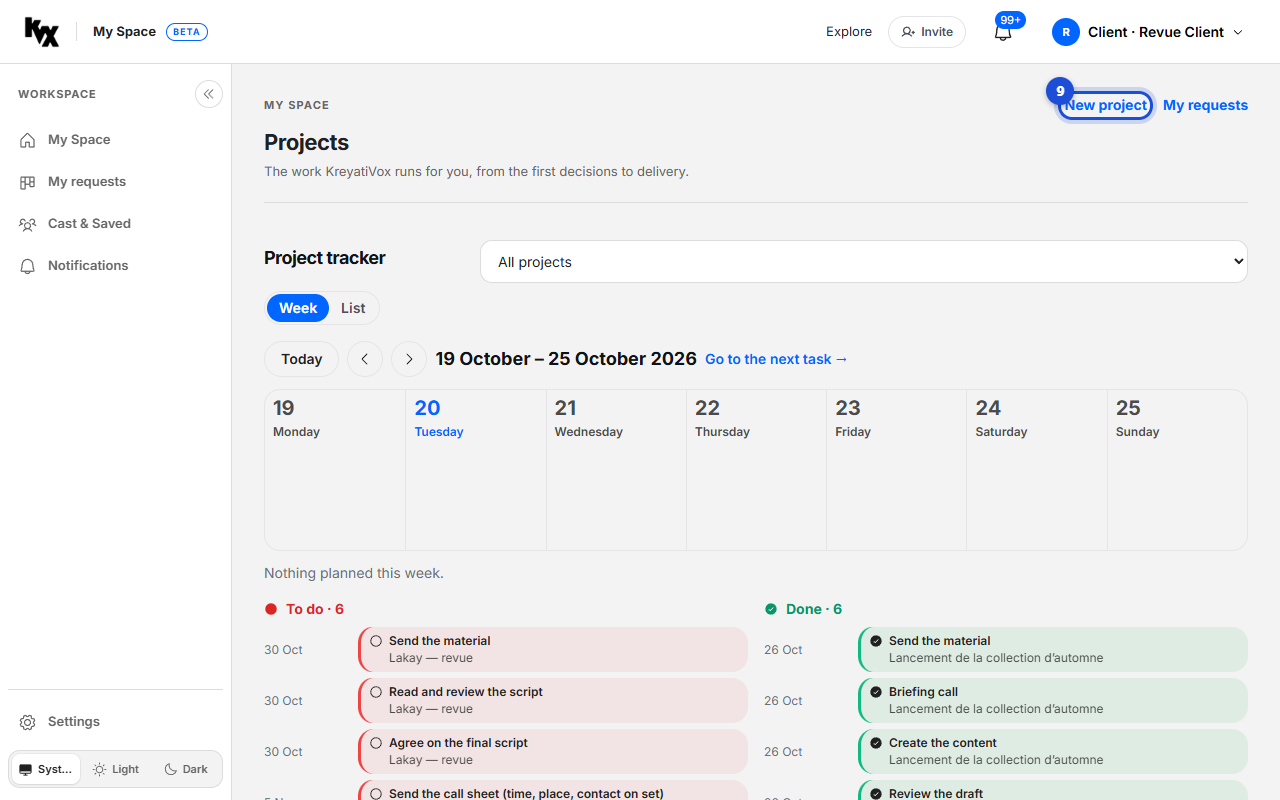
Start a project
In “Projects”, a project opens when KreyatiVox confirms a request with you. Click “New project” to start one yourself.
- 10
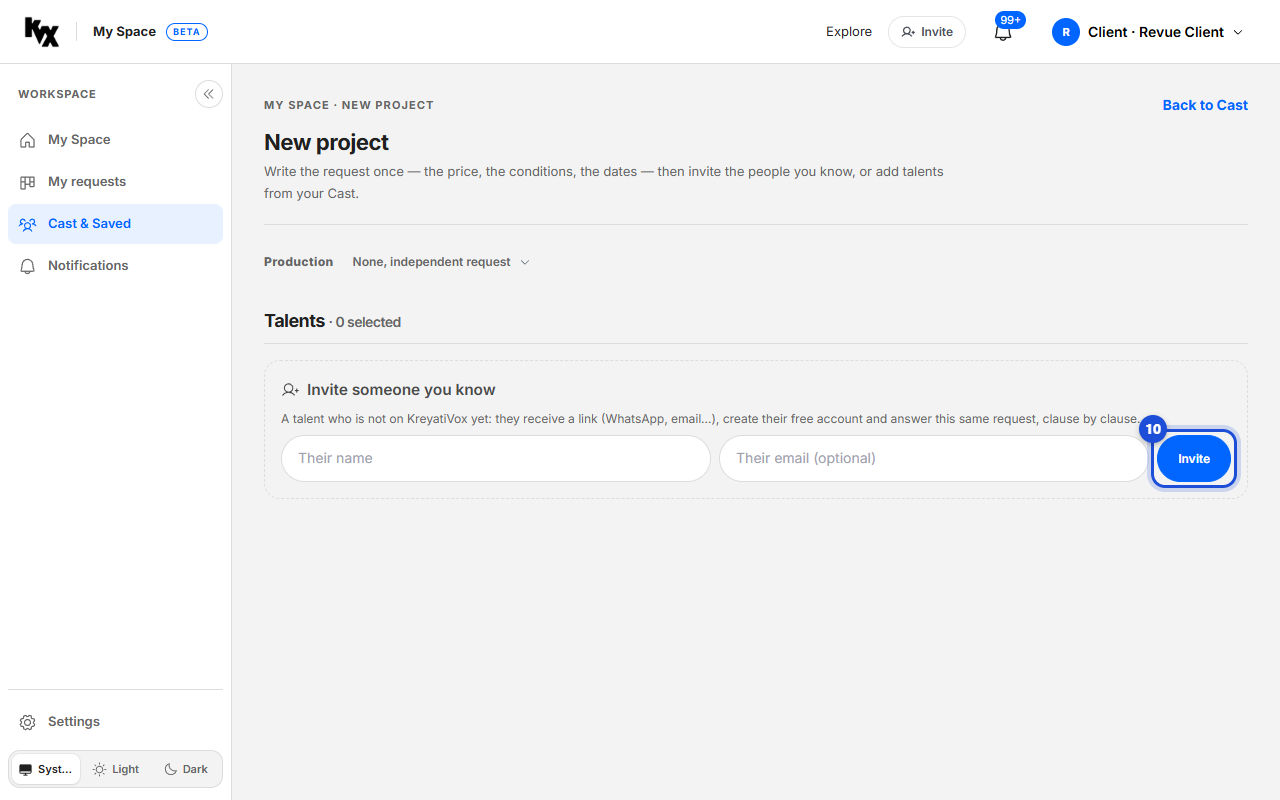
Invite people you know
In a new project, under “Invite someone you know”, write a name and click “Invite”. A talent not yet on KreyatiVox receives a link, creates a free account and answers the same request.